Run Windows 2000 on a DEC Alpha with a new es40 fork
摘要
文章介绍 es40 Alpha 模拟器的新 fork,具备 JIT 加速、S3 图形端口(来自 MAME)和 ARC 支持,能运行 Windows 2000 for DEC Alpha。展示 Windows 2000 截图、JIT 启用后 OpenVMS 明显加速,以及无需 X11 隧道的图形支持。提及安装需升级 ARC 固件 v7.3、使用 86c764x1.bin VGA BIOS,从 archive.org 获取 Windows 2000 RC2 build 2128,安装过程约 20 分钟;提供完整指南链接,但本文非设置教程。
荐读理由
新 es40 fork 带 JIT 编译器和 S3 图形端口,能跑 Windows 2000 和 OpenVMS 图形界面,提供 Alpha 模拟方法
原文
Raymii.org
אֶשָּׂא עֵינַי אֶל־הֶהָרִים מֵאַיִן יָבֹא עֶזְרִֽי׃ Home | About | All pages | Cluster Status | RSS Feed
Run Windows 2000 on a DEC Alpha with a new es40 fork
Published: 05-07-2026 20:33 | Author: Remy van Elst | Text only version of this article
As you might know, I'm involved a bit in the OpenVMS community and the Alpha emulation side via AXPBox. AXPBox (github) is a fork of the es40 alpha emulator by Camiel Vanderhoeven (who is now Chief Architect at VSI, the company that makes OpenVMS, for x86 nowdays). There have been many forks of es40 in the past and recently a new one has popped up with some great new features. Like speedups via a JIT compiler, S3 graphics port from MAME and ARC support, resulting in the ability to run Windows 2000 for the DEC Alpha.
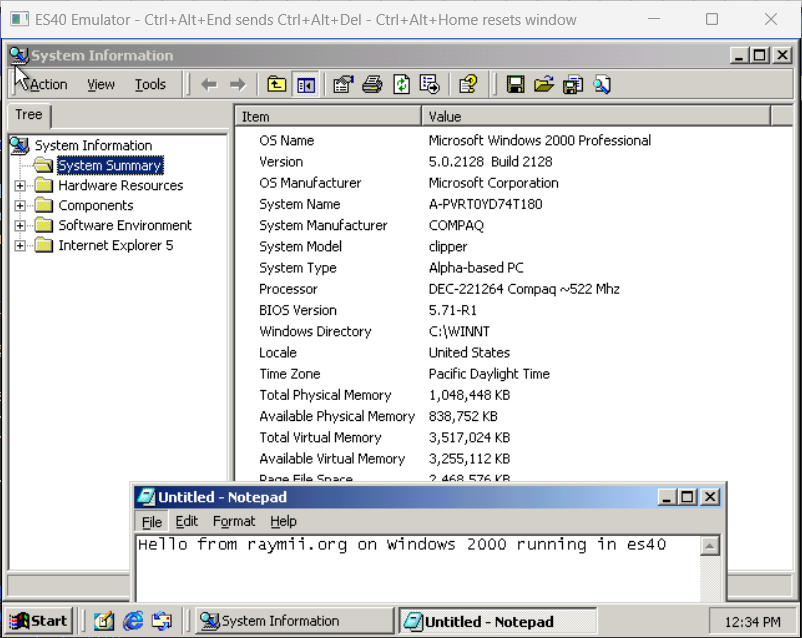
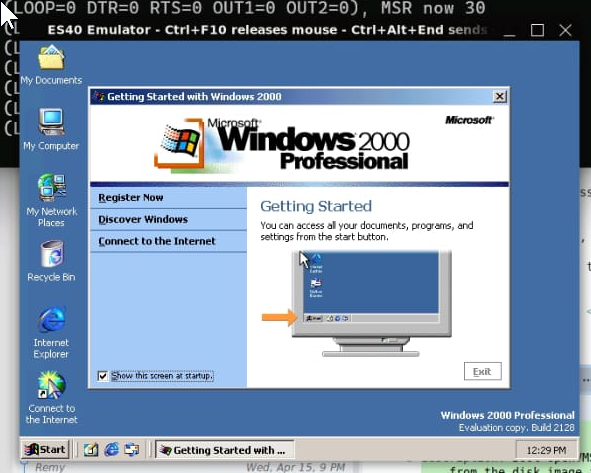
Here is a screenshot of Windows 2000 in es40:
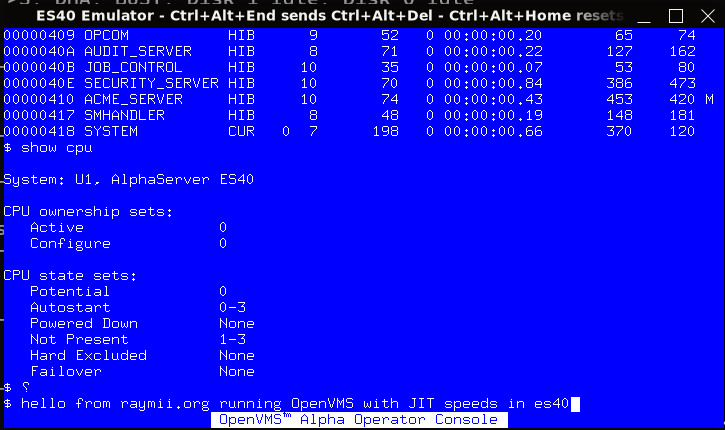
Here is OpenVMS running noticeably faster with JIT enabled:
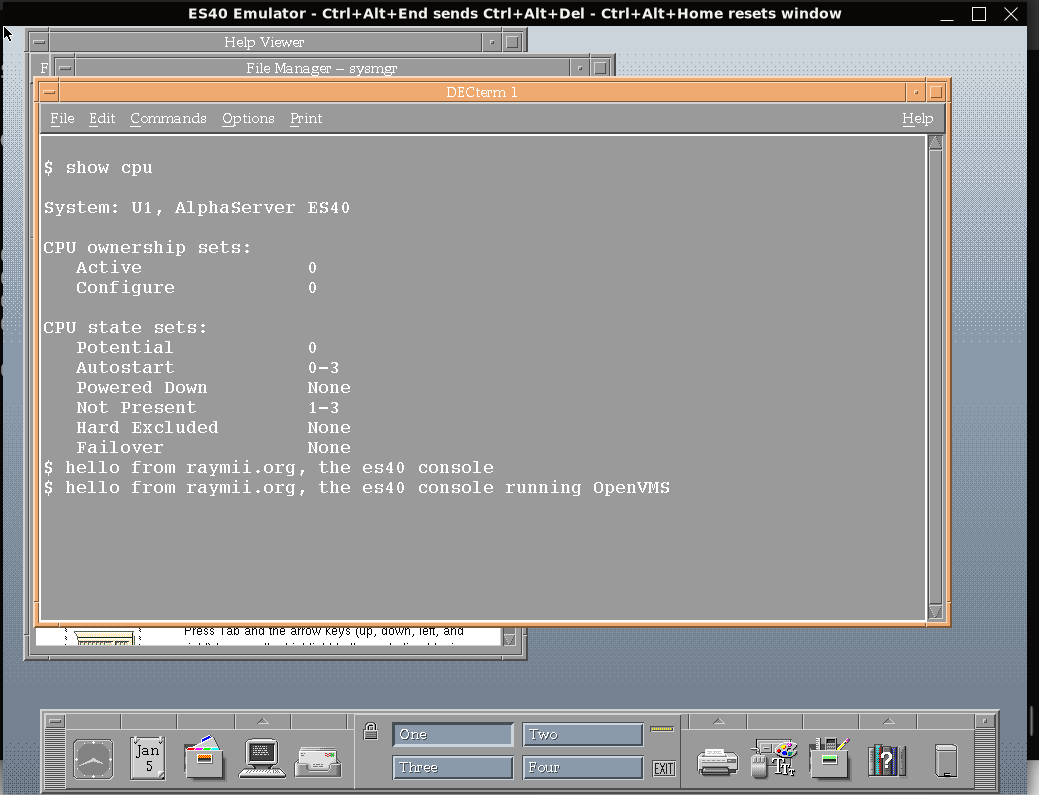
There is also OpenVMS graphics support, no need for X11 tunneling anymore:
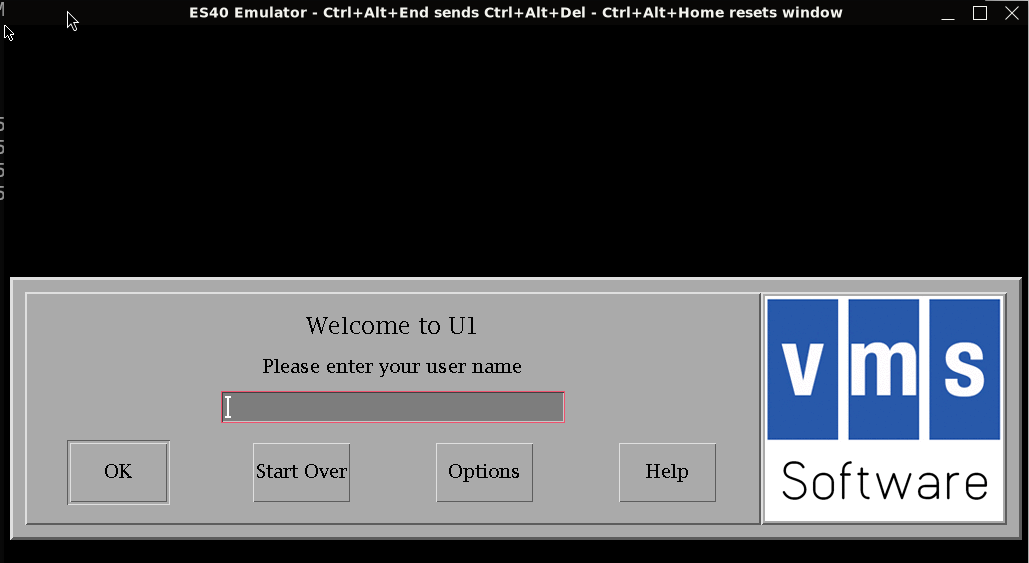
To get to a graphical login, start up OpenVMS, log in on the Operator Console and start the graphical system:
@SYS$MANAGER:DECW$STARTUP
Then type logout to get out of the operator console and get the login window:
This will not be a setup guide, I just wanted to inform you of the new fork and the great progress that has been made. I've been trying out the build with massive speedups due to the JIT compiler and it feels way faster than without JIT support, both Windows NT and OpenVMS.
There is a full guide on getting Windows 2000 up and running here, as well as instructions for Tru64 Unix.
The setup is quite involved. es40 is provided as source and a precompiled binary via github. The configuration wizard has been updated for the new features. You need to upgrade the ARC firmware first with the Alpha Systems Firmware Update v7.3(part AG-RCFBX-BS) CD-ROM. You also have to use a different VGA Bios firmware (not the vgabios-0.6a.bin file you would use for AXPBox), this one from 86box, 86c764x1.bin - S3 VGA BIOS.
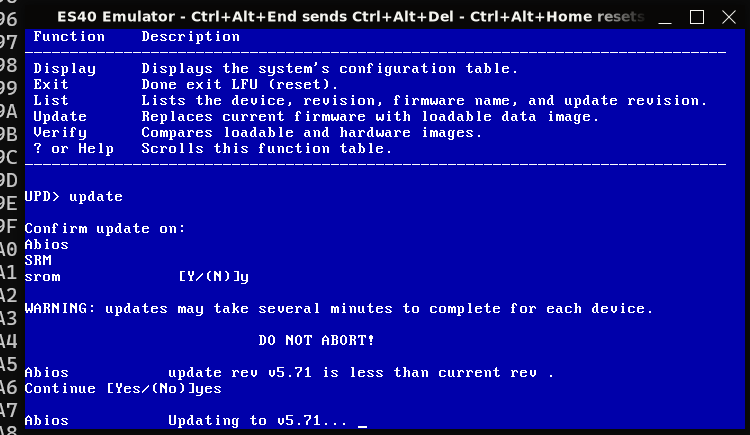
Upgrading the arc firmware went reasonably fast in the JIT build:
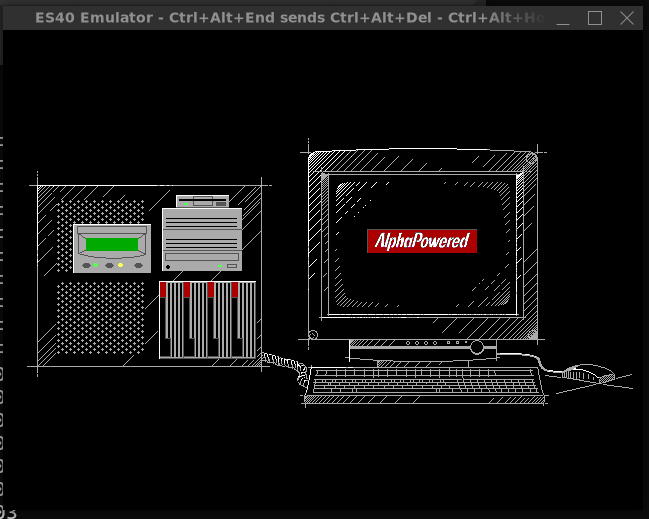
After the upgrade, type arc on the SRM prompt to boot into the graphical BIOS:
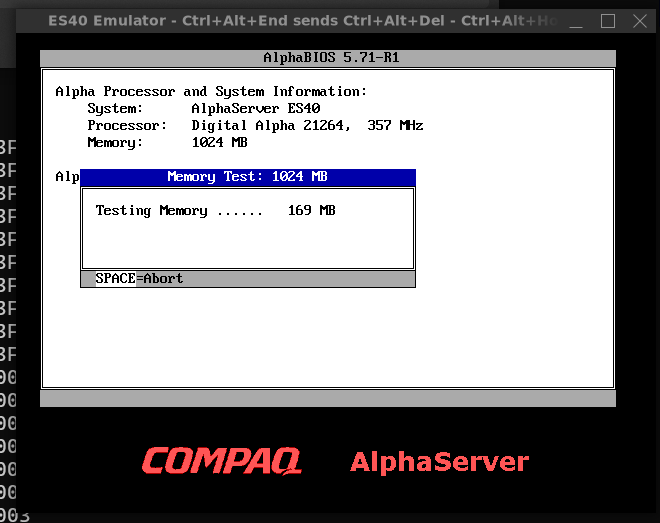
Then there will be a memory test, which you can disable in the Advanced CMOS settings screen:
To actually install Windows 2000, you need to get Windows 2000 RC2 build 2128 from archive.org.
The setup is straightforward. If you've ever installed any Windows version up to I think vista, it's the same blue screen first for partitioning, then boots into a sparse GUI.
It does take quite some time, for me almost 20 minutes.
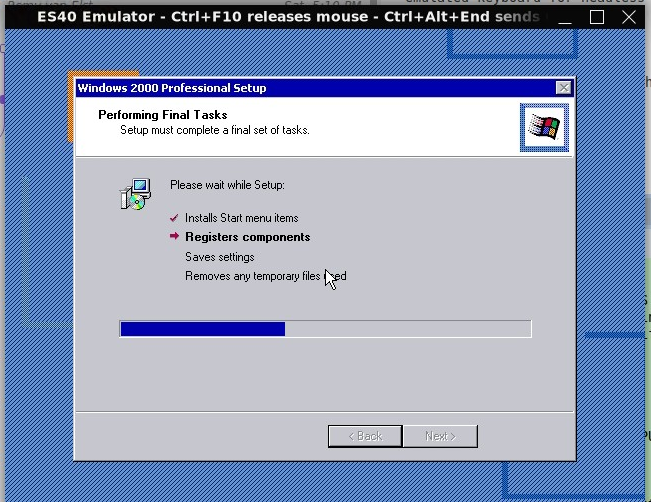
When the installation is finished, you're greeted by a desktop and welcome screen:
Tags: alpha , axpbox , blog , dec , es40 , openvms , pdp , unix , vax , vms , vsi , windows
这条对你有帮助吗?