Security is Hard, Y’all
摘要
作者是资深安全专家,在推特上看到 Cloudflare 新功能 Wallet 的推广,点击后进入 cloudflare.pay 域名,要求授权并显示可疑的绿色勾选,界面与常见的钓鱼攻击高度相似。他尝试报告但流程不畅,最终经多方查证发现这是 Cloudflare 的合法新功能,只是域名和 UI 设计严重违背安全最佳实践。文章借此讨论了合法网站与钓鱼网站难以区分的问题,并给开发者、用户和安全从业者提出了具体建议。
荐读理由
正文用具体案例展示了合法产品如何因域名选择(.pay vs .com)和授权界面设计不当而让用户误判为钓鱼,直接给出可迁移的实践:将应用托管在受信任域名下、在可信位置展示安全信息、提供便捷举报入口。这能帮助你在设计产品时避免同类信任陷阱,并理解用户对安全信号的敏感度。
原文
It started innocently enough. I saw a tweet about a new product offering from one of my favorite companies, Cloudflare.
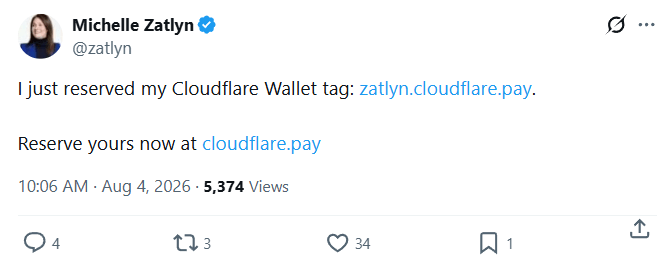
Neat! I clicked through to the site and there it is:
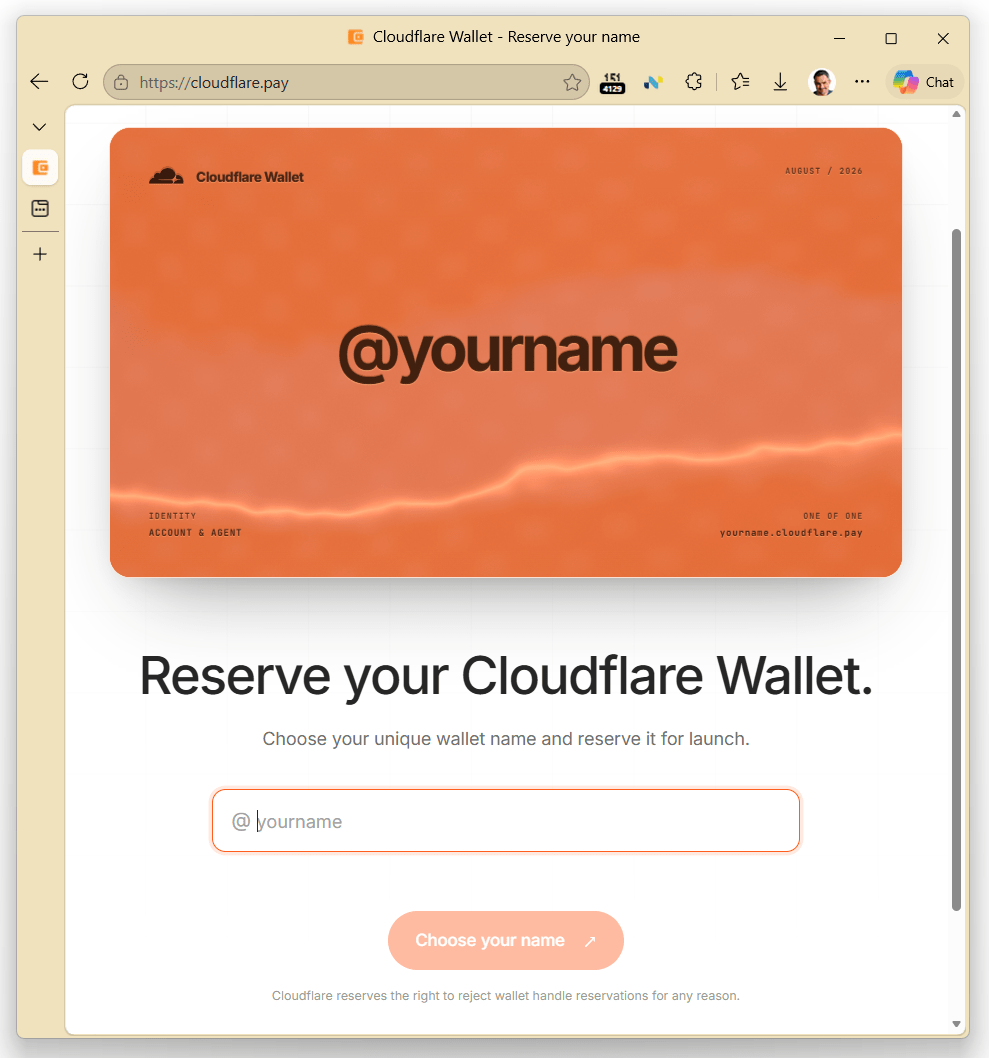
And *huzzah!, *my preferred handle, @ericlaw is still available. I’d better hurry to claim it before someone else gets it!
Since I’m already a long-time Cloudflare user, I just need to sign in. That makes sense, how else will they bind the handle to my account?

Easy peasy. I’m in. Looks like there’s just one more step, I gotta authorize the new feature?
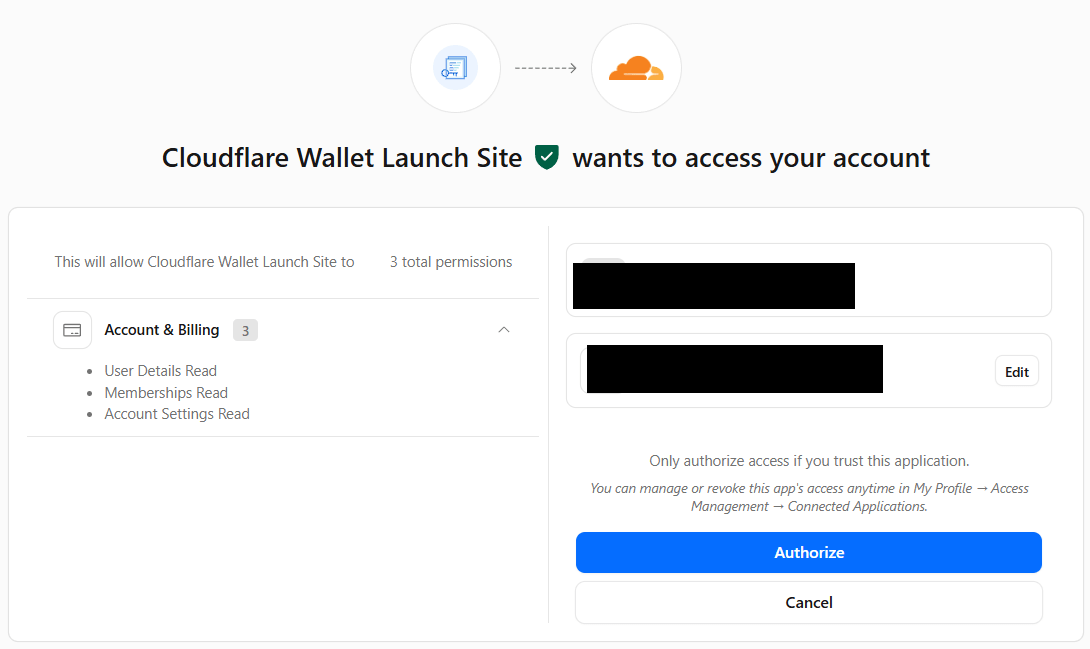
*But wait a sec! *
This looks **exactly **like one of those Consent Phishing attacks that have been so popular over the last few years!
And wait, why is the entry point on cloudflare.pay, a site that *doesn’t *already have my credentials, rather than something within the cloudflare.com domain which does (e.g. cloudflare.com/pay)? There is no inherent technical relationship between a .com domain and a .pay domain. Domain names under the.pay sTLD are available to anyone with $20 (unlike, e.g. [.bank](https://textslashplain.com/2023/05/13/new-tlds-not-bad-actually/) which requires more vetting), so there’s nothing that would stop me from registering my own cloudflarepayments.pay domain name in just a few minutes.
And why doesn’t Cloudflare’s permission site recognize its own company’s feature? And that green checkmark looks suspicious as heck– an attacker could probably just shove that emoji inside their misleading display name, the same way that folks trying to phish Microsoft email accounts use misleading app names and icons:

**The guys at Cloudflare are geniuses who know their stuff. This has *got *to be an attack. **It’s a clever one — I was feeling such a sense of urgency because I wanted to “win” the race to get my desired handle. Very very clever!
Unfortunately, the Cloudflare permission page doesn’t follow best practices, so there’s no “Report suspicious request” link I can use to let the Cloudflare folks know that their customers are under attack.
Let me go back to my Cloudflare dashboard and try to get to the Wallet feature from its sidebar. Hrm. It’s not there. Now, Wallet purports to be “a new feature”, so maybe the Dashboard just isn’t updated yet. A search of the docs turns up nothing. Let’s ask the AI agent in chat.
The very first thing the chat agent wants is access to my account:

This feels a little weird, but the page is still cloudflare.com so I guess I can give the thing access to things it already has access to. Weirdly, the AI agent first proposes that I grant it **full control **rather than **read only **access, which feels like a failure of the principle of least privilege, but I don’t actually need to ask an account specific question anyway. After granting read permission, the agent allows me to ask my question:
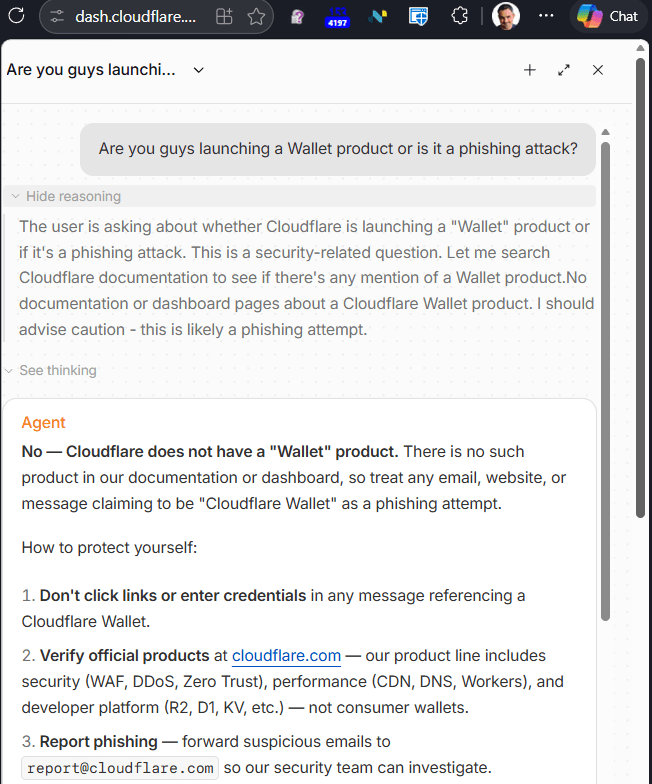
Oh, wow. **Cloudflare says it really *is *an attack! **Let’s report the phish right away!
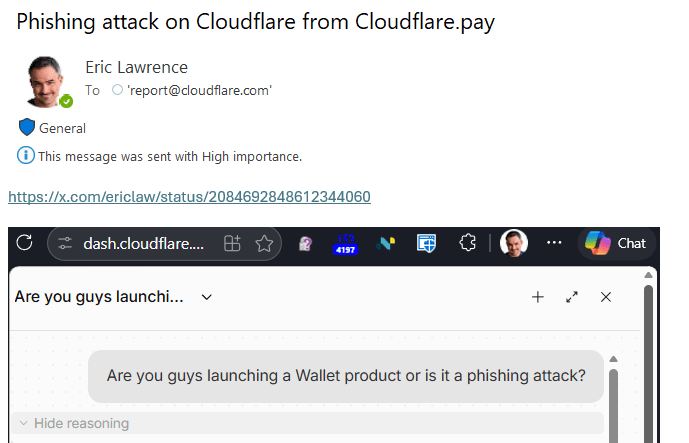
A few minutes later… womp womp…
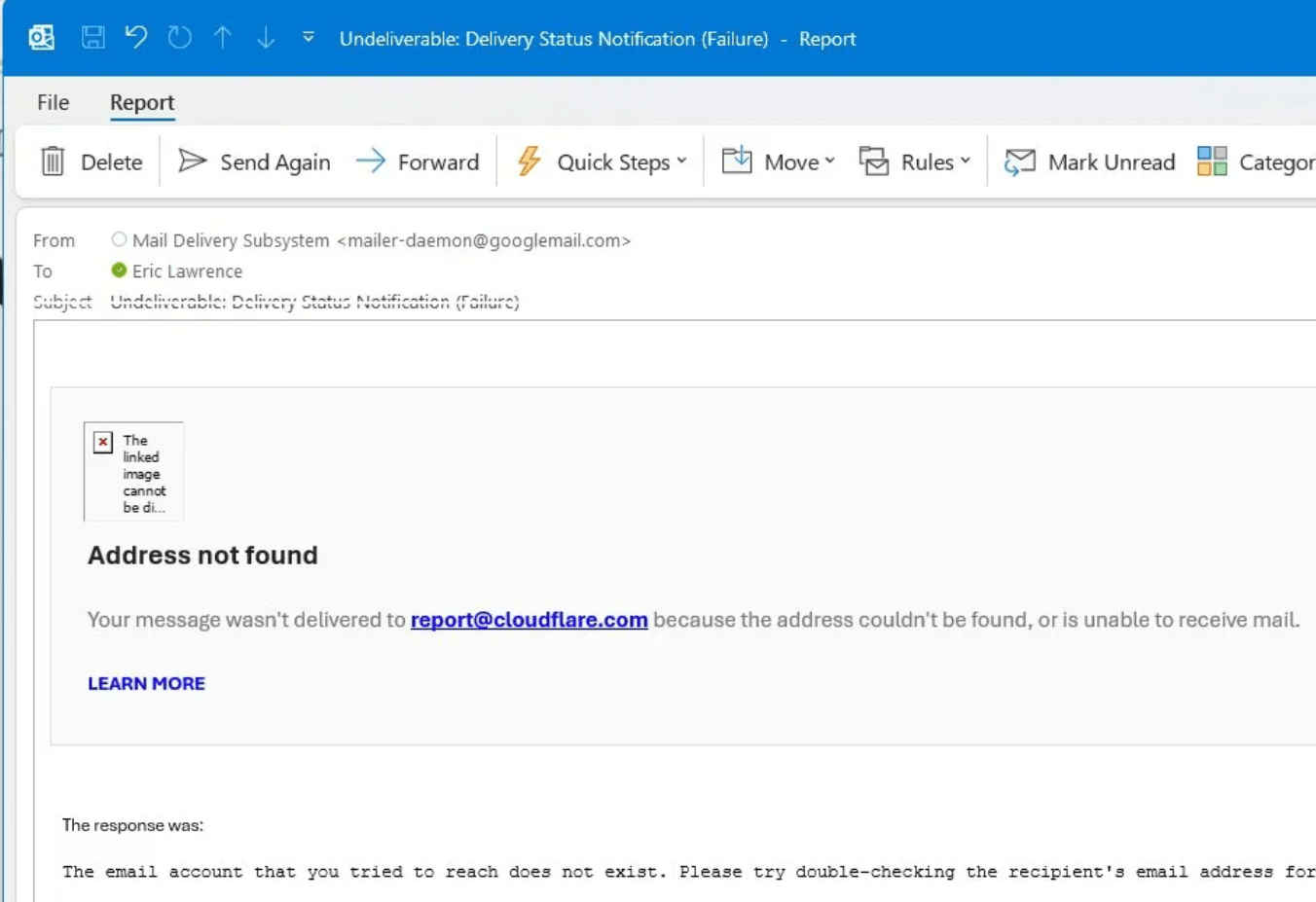
Oh dear.
After a few minutes of further frantic searching, it turns out that this is, in fact, a legitimate new Cloudflare product and a legitimate site, despite giving every indication of being a clever phishing attack.
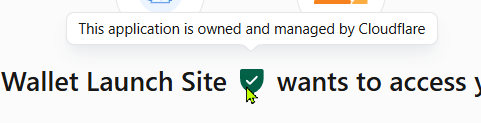
It further turns out that that suspicious green checkmark is not part of the app’s untrustworthy display name but instead a (poorly placed) security UI element that a user is expected to hover over to get the security details:
The Cloudflare folks apparently want security issues reported via HackerOne (which wouldn’t let me log in because the Cloudflare CAPTCHA HackerOne uses seems to be broken…).
When legitimate websites sometimes act very very phishy, consider how hard it must be for URL Reputation services like Microsoft SmartScreen and Google SafeBrowsing to block malicious sites without false positives as millions of new sites are added to the web every week.
Lessons
Web Developers, please follow every best practice, **I’m begging you:
Host apps and content under your trusted domain name (e.g.
cloudflare.com/payorpay.cloudflare.com. If you must add a new name, link to it directly from a page on your trusted domain name.Show relevant security information in a trustworthy place when asking the user to make security decisions.
Make it trivial to report scams, in context (e.g. on the permission request page).
Test your security reporting flows to ensure they are monitored and function correctly.
Users: Try to stay safe out there. Think before you click, and if all else fails, wait.
**Security Geeks: **Never blame the victim– they’ve got an impossible job.
-Eric
这条对你有帮助吗?