OpenWiki: CLI that writes and maintains agent documentation for your codebase
摘要
OpenWiki 是 CLI 工具,能自动为你的代码库创建和维护文档,专门给 coding agent 设计。安装后启动交互式 CLI,可单命令退出或保持交互;支持 OpenRouter、Fireworks、Baseten、OpenAI、Anthropic 等多个推理提供商和自定义模型 ID;首次运行会配置提供商、API key、LangSmith key(可选),并把配置保存在 ~/.openwiki/.env;如果 wiki 已存在会刷新,否则创建;每运行都会自动向 AGENTS.md 或 CLAUDE.md 追加提示,引导 agent 参考它;提供了 openwiki-update.yml 文件,可直接复制到仓库 .github/workflows 目录,每天自动打开 PR 更新文档。
荐读理由
OpenWiki CLI 为你代码库自动生成与更新 openwiki/ 目录下的 agent 专用文档,补全 AGENTS.md 与 CLAUDE.md 提示,让 coding agent 搜索时引用,节省从库代码里手动提取上下文的时间
原文
OpenWiki
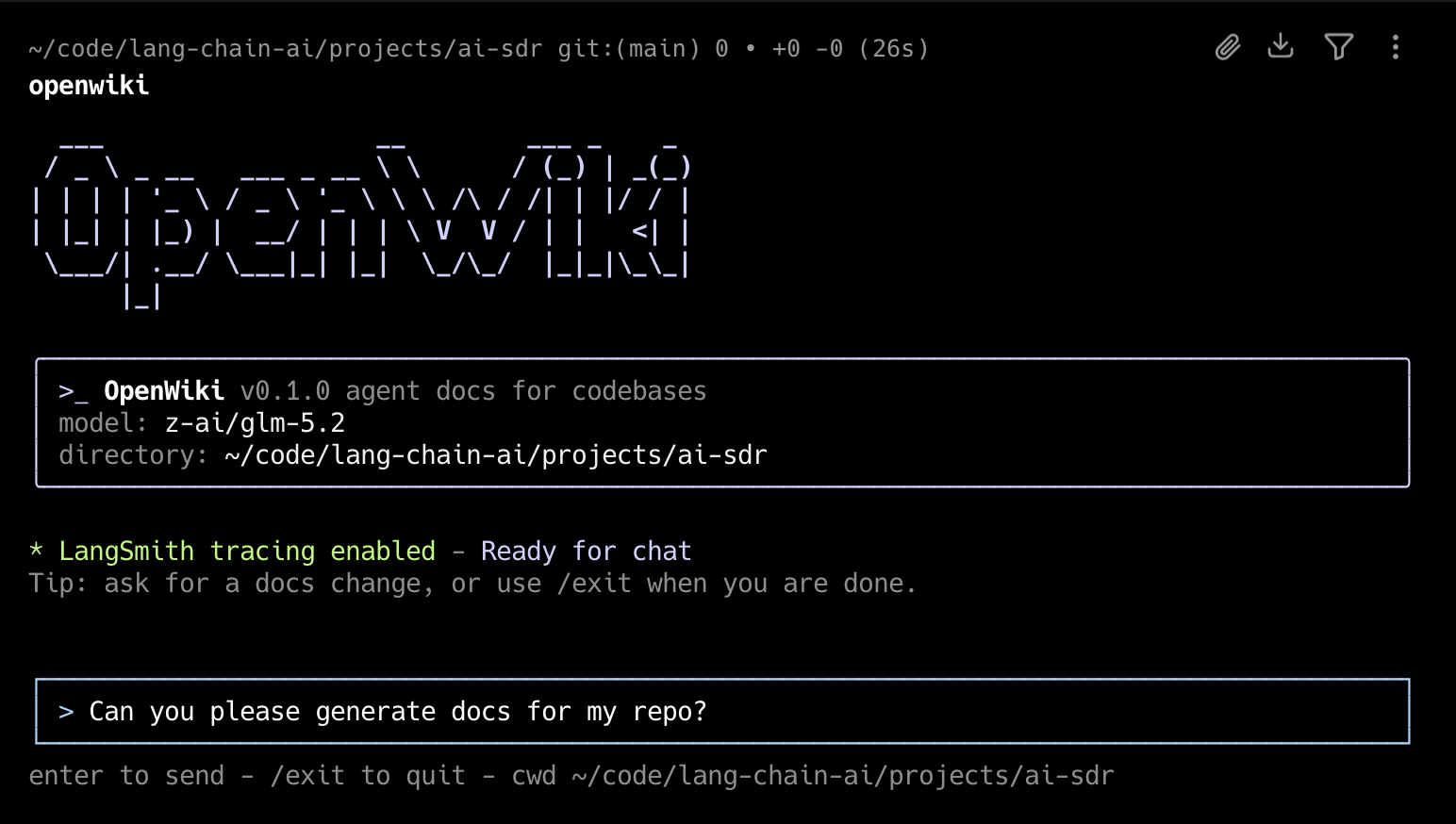
OpenWiki is a CLI that writes and maintains documentation for your codebase, built specifically for agents.
Install
npm install -g openwiki
Quick Start
Initialize OpenWiki, configure your model and API key, then generate documentation
openwiki --init
Then to ensure your documentation stays up-to-date, add the GitHub action to your repository to automatically open a PR once a day with documentation updates: openwiki-update.yml
Copy the contents of that file into .github/workflows/openwiki-update.yml in your repository.
Usage
Start the interactive CLI:
openwiki
Start OpenWiki with an initial request:
openwiki "Please generate documentation for this repository"
Run a single command and exit:
openwiki -p "Summarize what you can do"
Initialize OpenWiki:
openwiki --init
Update existing documentation:
openwiki --update
Show help:
openwiki --help
openwiki creates initial documentation in openwiki/ when no wiki exists. If openwiki/ already exists, it refreshes that documentation from repository changes. By default, the CLI stays open after each run so you can send follow-up messages. Use -p or --print for a one-shot non-interactive run that prints the final assistant output.
openwiki will automatically append prompting to your AGENTS.md and/or CLAUDE.md files to instruct your coding agent to reference it when searching for context. If the file does not already exist in your repository, OpenWiki will create it for you.
On the first interactive run, OpenWiki will have you configure your inference provider, API key, and LLM. You will also be able to set a LangSmith API key to trace your OpenWiki runs to a LangSmith tracing project named "openwiki" (optional).
These configuration options and secrets will be saved to ~/.openwiki/.env on your local machine.
Customizing
OpenWiki supports OpenRouter, Fireworks, Baseten, OpenAI and Anthropic out of the box. By default, there are a few models pre-defined (GLM 5.2, Kimi K2.6, Sonnet 5, etc) but for each inference provider, OpenWiki will allow you to specify your own custom model ID.
If there's an inference provider or model you'd like to see added, please open a PR!
这条对你有帮助吗?