OpenChamber: An Agentic Development Environment
摘要
OpenChamber 是一个开源代理式开发环境,支持桌面端(macOS、Windows、Linux)、浏览器/PWA/移动端及 VS Code 编辑器。核心功能包括:设置会话目标让代理持续工作、跨最多五个模型并行运行任务并融合最佳结果、将大改动分组为有序步骤讲解、在运行中的应用中指向元素以获取其上下文、从 GitHub issue 或 PR 出发完成从问题到合并的流程、按 cron 定时运行提示词。隐私方面,代码和会话内容留在本地,远程访问可用 UI 密码保护,支持通过一次性二维码配对设备经 Private Relay 端到端加密连接且不开放端口。项目基于 OpenCode SDK,免费使用,代码在 GitHub 上公开。
荐读理由
OpenChamber 支持多模型并行跑同一任务并融合结果、从 issue 直达 PR、定时执行,这些能力可直接搬进你的 AI 工程工作流,省掉自己拼装 agent 编排的功夫
原文
An agentic development environment.
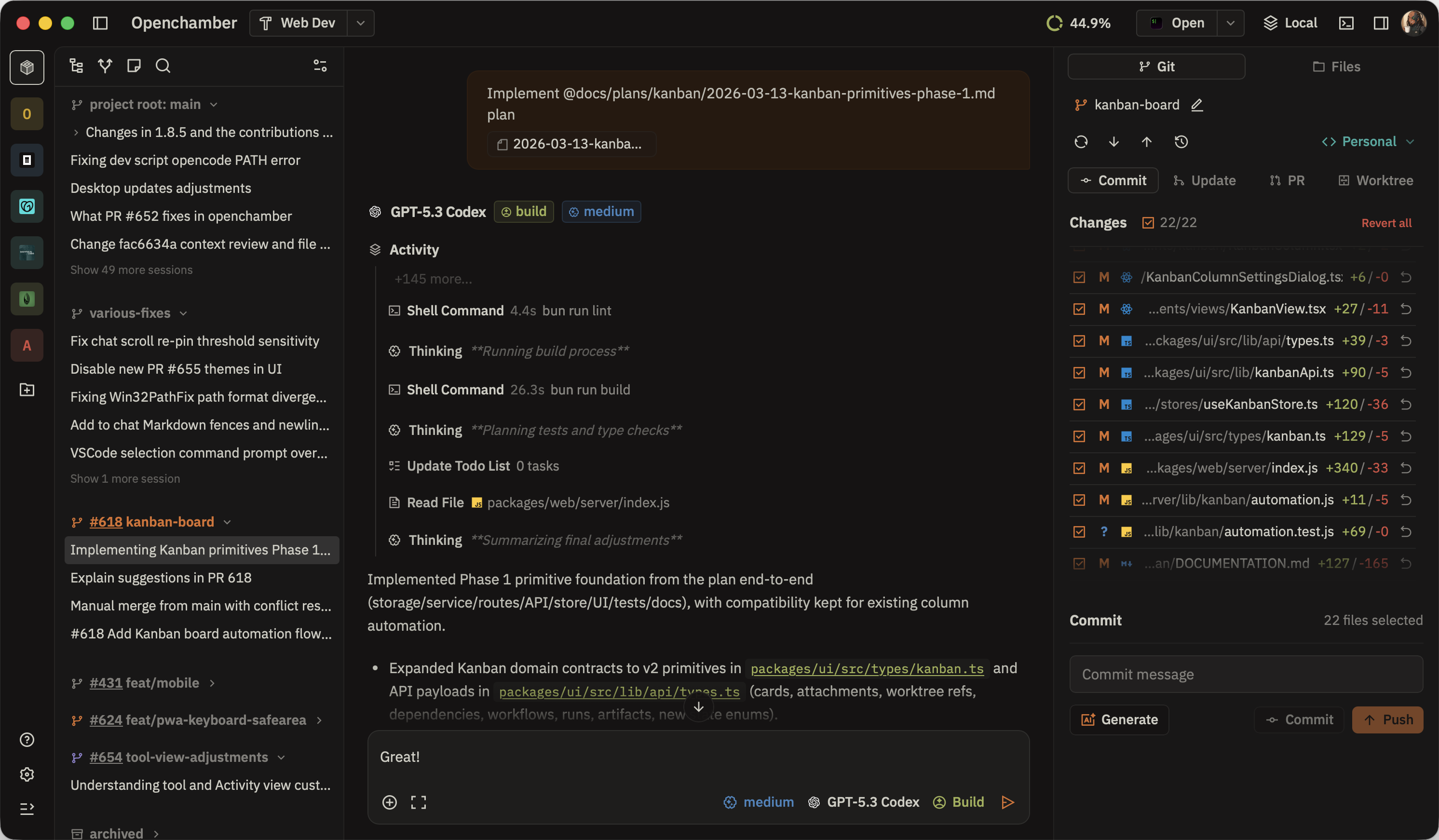
What you can do with OpenChamber.
Session Goals
Set a finish line. The agent keeps working toward it, turn after turn — even with the app closed.
Multi-run and Fusion
Run one task across up to five models. Keep the best result, or fuse the strongest parts.
Changes Walkthrough
A large diff, grouped into ordered steps that explain how the change fits together.
Preview
Point at an element in your running app and send the agent everything behind it.
From issue to pull request
Start from a GitHub issue or PR, send failed checks back, and merge without leaving.
Scheduled work
Run a prompt on a cron schedule. Pair it with Session Goals to aim at an outcome.
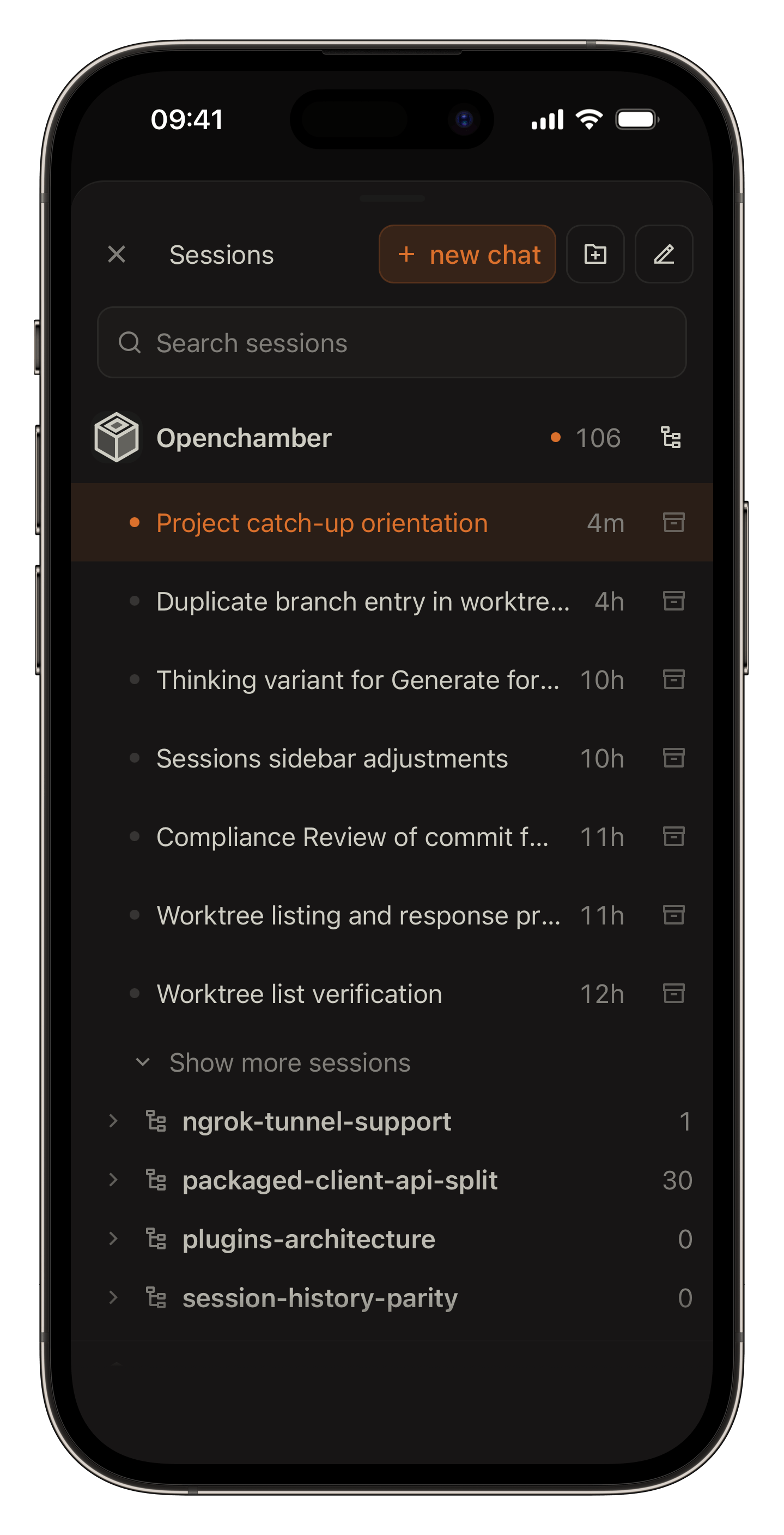
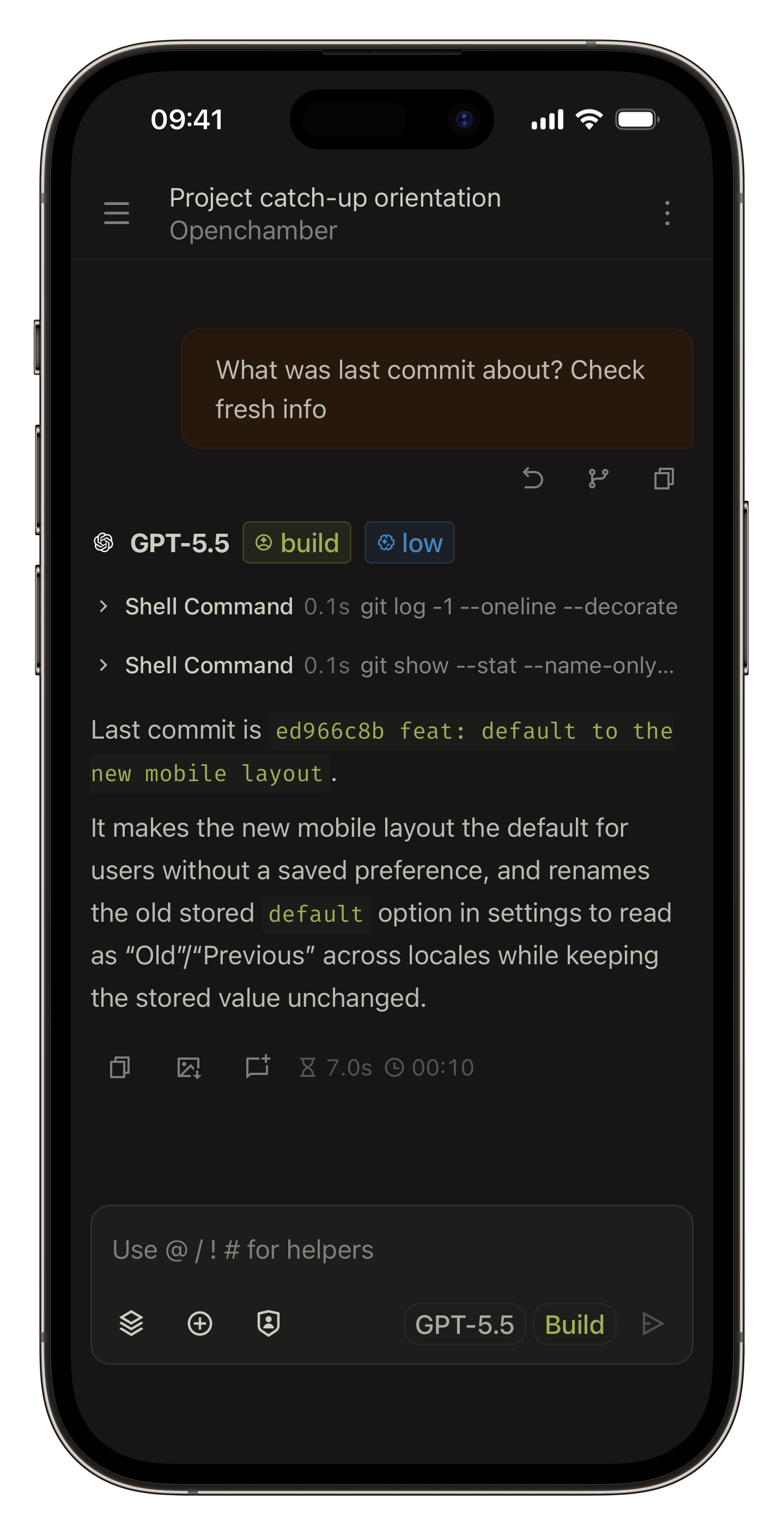
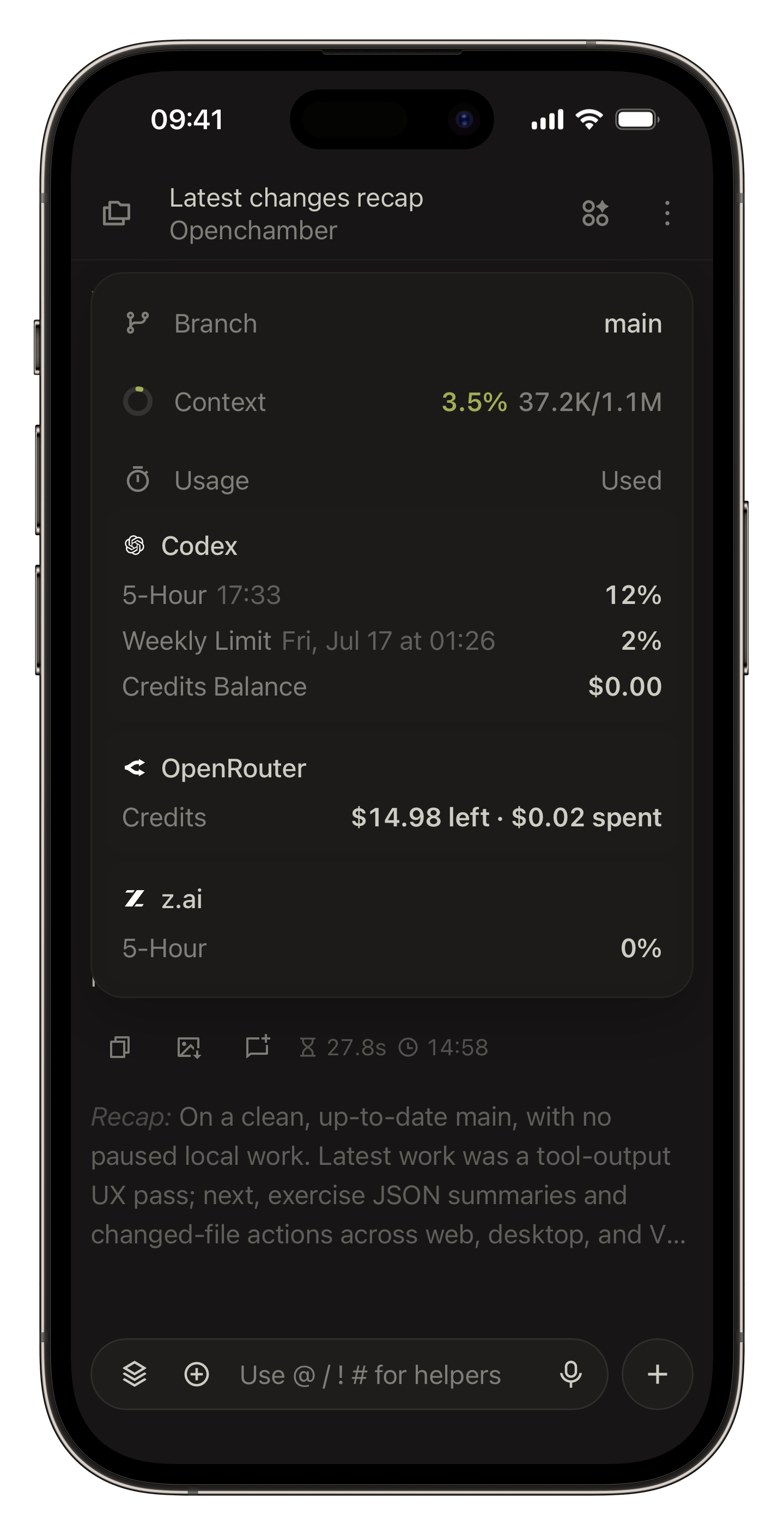
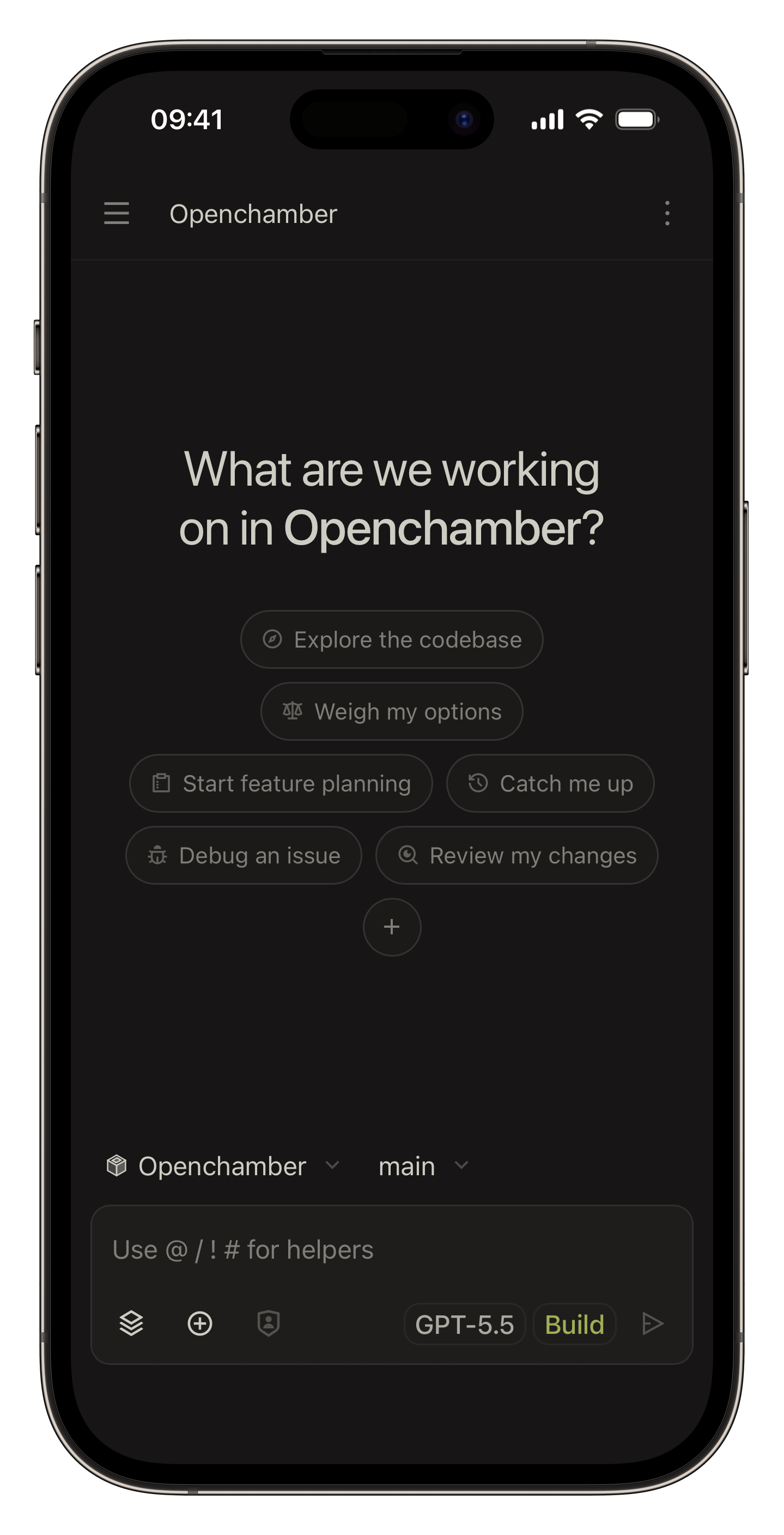
Your workspace, everywhere.
Move between desktop, browser, phone, and VS Code without losing the thread.
/ /
Desktop app
macOS, Windows, and Linux apps
Multi-window project workflows
Open In shortcuts for Finder, Terminal, and your editor
Project Actions for dev servers, SSH forwarding, and local URLs
/
Browser / PWA / Mobile
Browser access from anywhere
Phone- and tablet-friendly controls
A native mobile app, now in beta
A UI password gate that makes browser access public-ready
Background notifications and cross-tab session activity
openchamber
~ ❯ openchamber serve --ui-password ******
┌  OpenChamber Started
│
◆  port 3000 (PID 34189)
●  local:  http://127.0.0.1:3000/
●  tunnel: https://oc-3a9f.trycloudflare.com
│
└  daemon running

~ ❯ openchamber connect-url --relay
┌  OpenChamber relay pairing link
│
◆  openchamber://connect?v=2&p=eyJ2IjoyLCJwYWlyaW5n…
●  Relay: wss://relay.openchamber.dev/ws
●  Fingerprint: 7F3A-D21C
│
└  relay pairing link generated

~ ❯
/
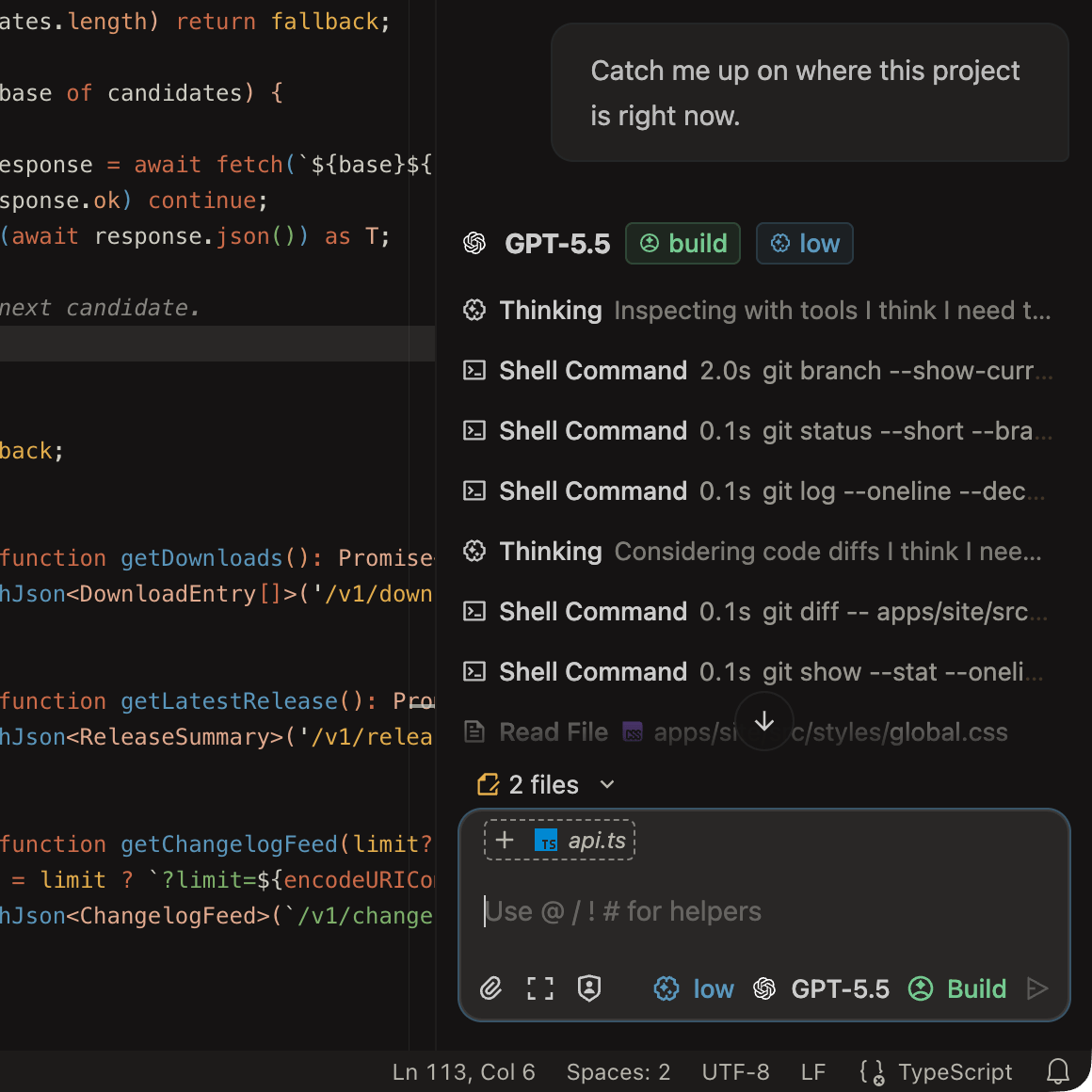
Code editor
Editor-native workflow
Open files directly from tool output
Right-click context actions on selections and files
Agent Manager for parallel multi-model runs
Loved by Developers
Early users keep describing the same thing: less tab-hopping, less guesswork, more steady forward motion.
After years of switching between IDEs and TUIs, I found the sweet spot for everything I need: **.

Boris @Boripheus

Harsha Kotcherlakota
"I just want to say the app itself is phenomenal. The level of polish is just unreal. I saw OpenChamber back when it was a small project, I think maybe a couple months ago, and now it is unrecognizable. Truly amazing work. The latest release with its streaming feature is everything I could have possibly asked for and more. It is gorgeous and smooth."

Srikanth.CashlessConsumer
"Opencode + OhMyOpencode + Openchamber. This is some cooked stack. VSCode looks like legacy notepad++ now."

Daniel Duma
"Stop using Openclaw for coding! Use OpenCode and OpenChamber instead!"

Abundance Mentality
"Seriously, I've spent almost the whole week trying to find a tool that made sense to orchestrate agents and, as a dev (actually, a devops), openchamber is the only one that felt natural and logical."
Privacy & Data
Nothing about your work is collected or sent anywhere. Your code and session content stay on your machine, and remote access can be protected when the workspace leaves localhost.
Code and sessions stay with you
Project names, paths, prompts, code, diffs, and session content are not collected by OpenChamber.
Remote access is protected
Browser access can be gated with a UI password, and tunnel links can be rotated or revoked when they should no longer work.
Private Relay, no open ports
Pair a device with a one-time QR code and connect through Private Relay without opening ports or exposing a public server. The connection is end-to-end encrypted and can be revoked at any time.
Privacy is inspectable
OpenChamber is open source, so the privacy model is visible in the code instead of hidden behind policy language.
OpenChamber FAQ
Yes. OpenChamber is open source, and the code is available on GitHub.
OpenChamber runs on the OpenCode SDK today — we picked it for the best open-source agent experience available. Install it with curl -fsSL https://opencode.ai/install | bash.
Yes. OpenChamber itself is free to use.
Yes. You can open it remotely through the browser UI, use tunnels when needed, and protect access with a UI password.
More questions? Check the documentation
这条对你有帮助吗?